


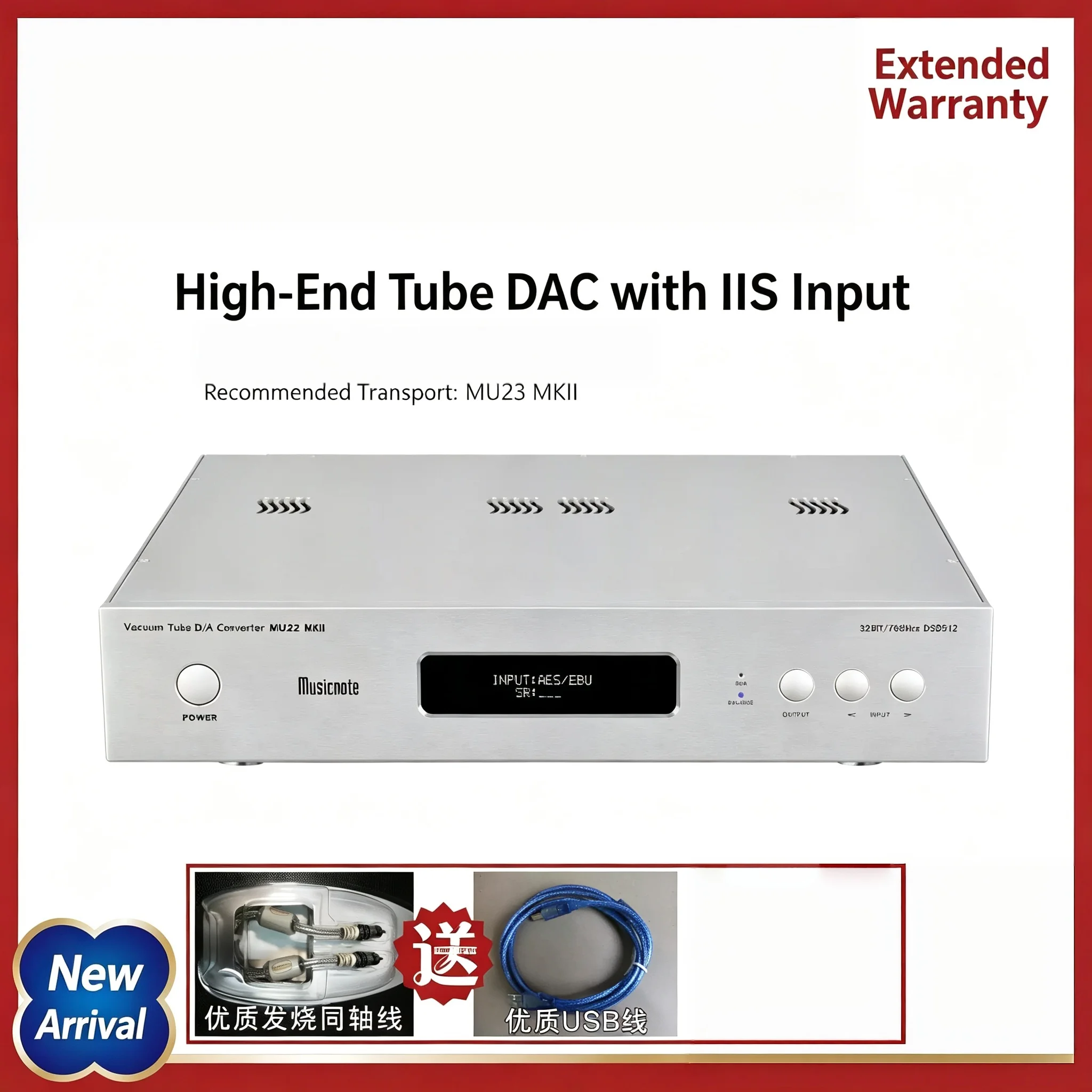
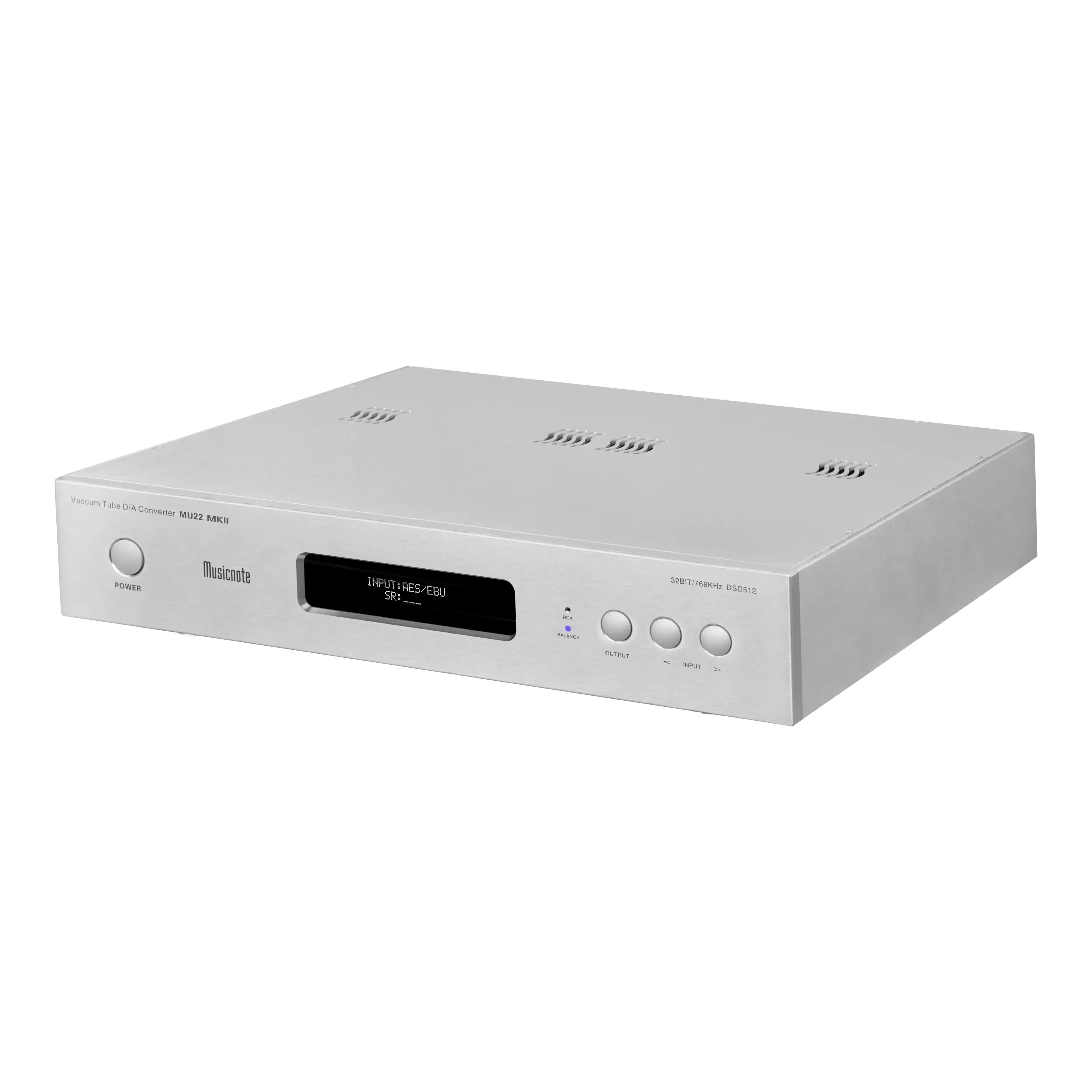
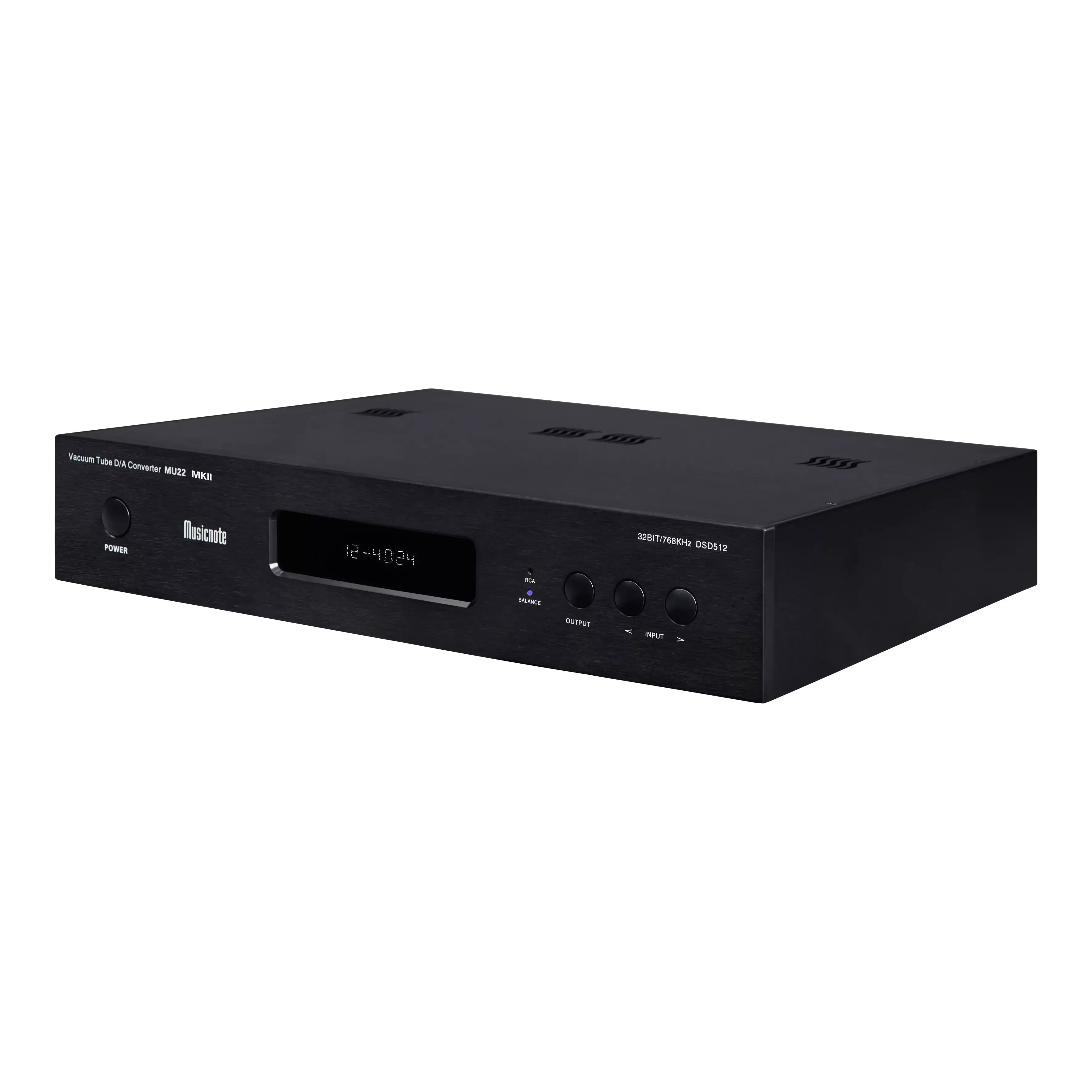



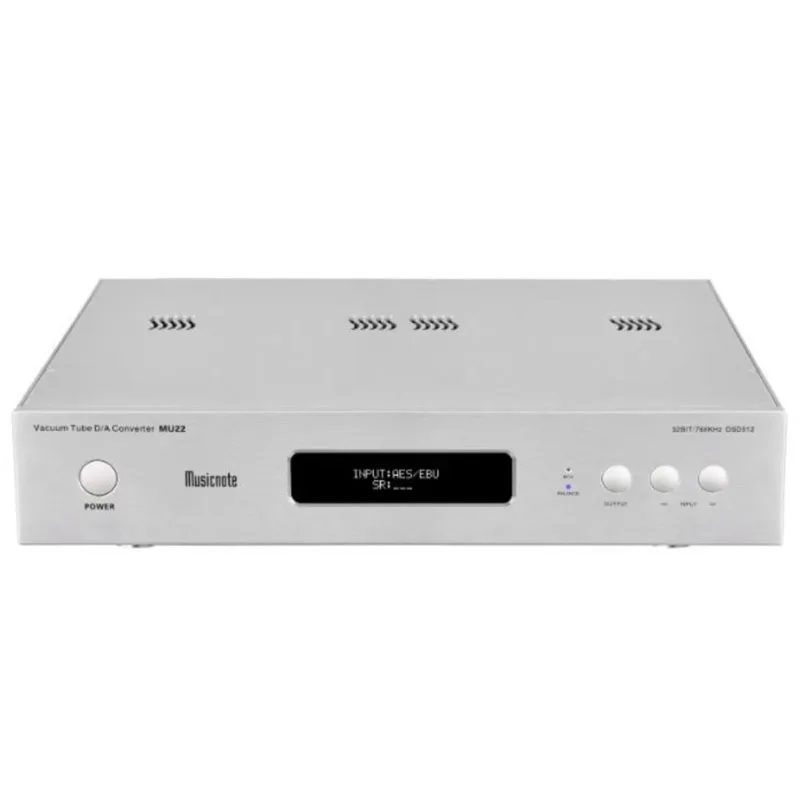
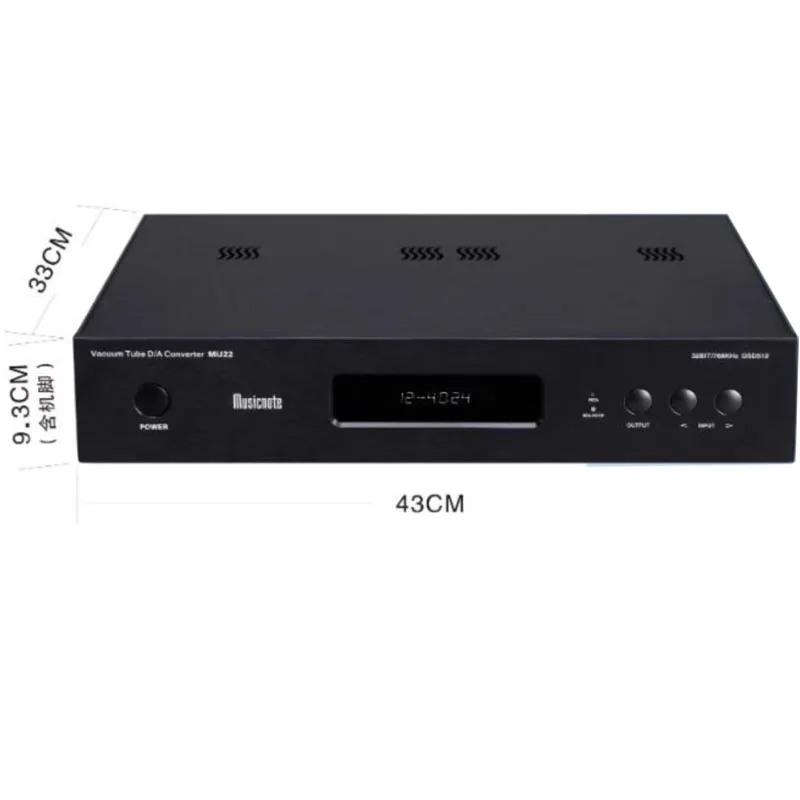
MU22 MKII Vacuum Tube Decoder DAC Bluetooth DAC Audio Decoder Optical Coaxial Digital Balance With Dual ES9038Pro Chip
The high-end MU22 decoder for pure tone uses the ES9038Pro decoding chip. Imported MURATA audio dedicated digital output isolation transformer ensures the integrity of digital signal input, and gold-plated temperature compensated crystal oscillator makes the clock more stable and accurate. The red German WIMA capacitor has better audio effects. Original Japanese Nichicon gold and green high-end audio capacitors with lower loss angle, higher stability, and filtering effect.
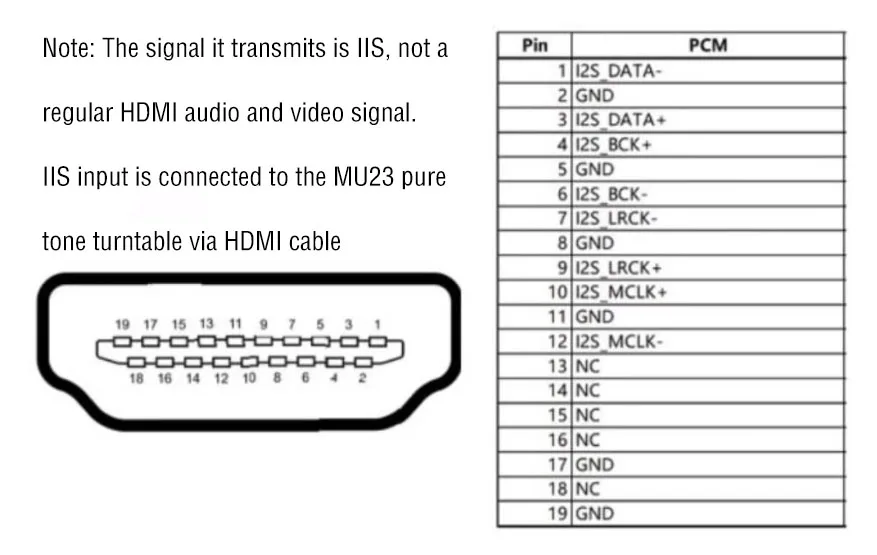
MU22 comes with an IIS output interface. It can be directly connected to a pure turntable for PCM signal, achieving good results.
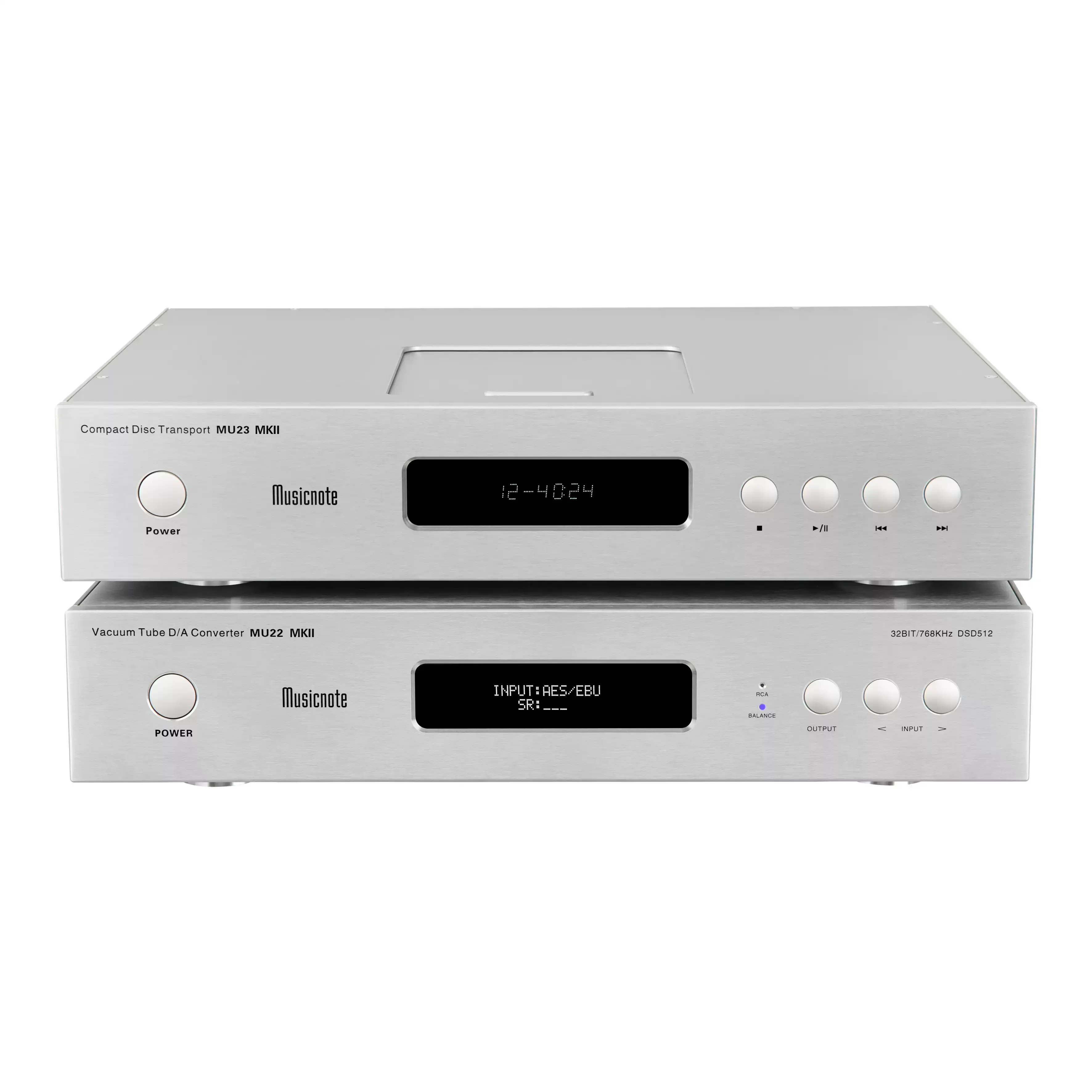
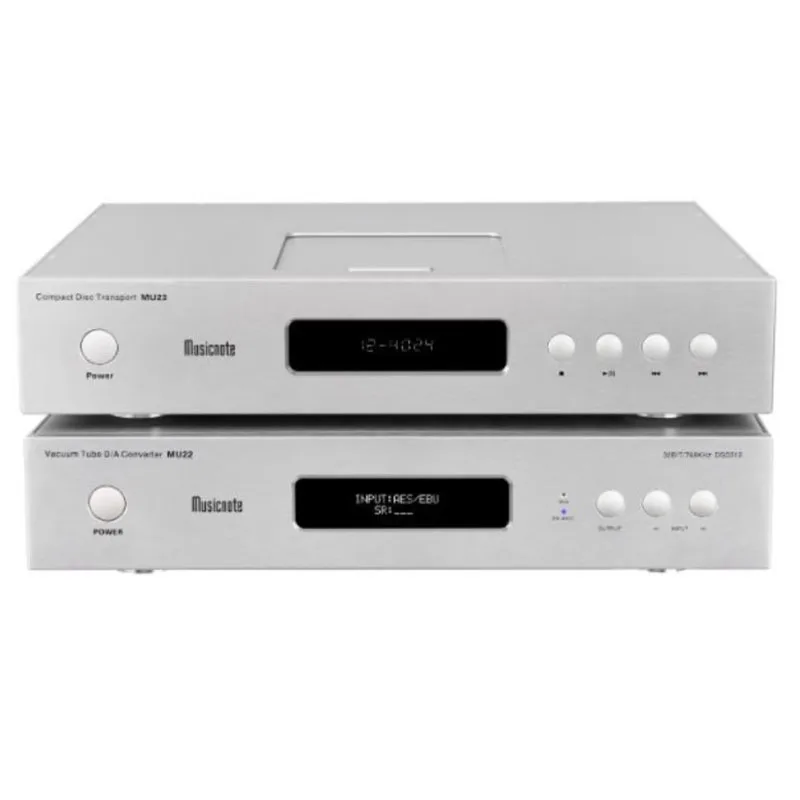
When used in conjunction with the pure tone MU21 or MU23 turntable, this decoder provides better sound extension between high and low frequencies. When listening to symphonies, the dynamics are large, and the vocals are full and sweet, with a strong analog flavor.
Product Features
USB uses XMOS solution, PCM supports up to 768KM, and DSD supports up to DSD512.
Use the high-end ES9038Pro D/A chip from ESS Corporation in the United States.
The Bluetooth chip is SR8675 chip, supporting LDAC, APTX/HD, SBC, AAC.
Two power transformers are used, one for digital circuits and one for analog circuits, which do not interfere with each other.
Use 4 high-quality RCA 6CL8 electronic tubes from the United States as the output stage, with 1 tube for each signal.
Input function
Coaxial input (supports 192KH signal)
A. Connect MU22 to external equipment using a standard 75 ohm coaxial digital cable;
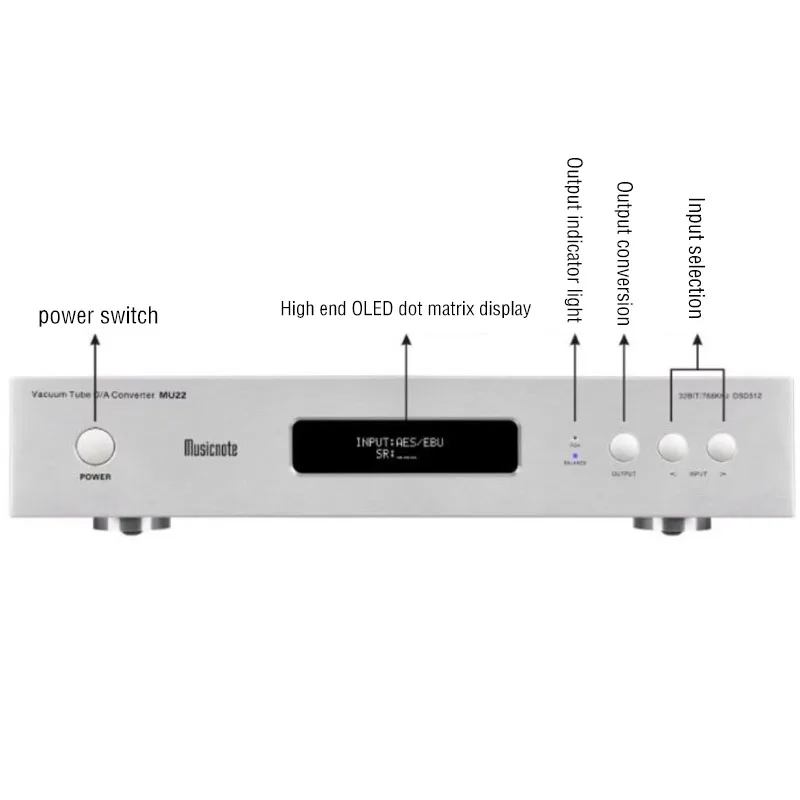
B. In the stopped playback state, press the "INPUT" button on the panel to switch to coaxial reception mode, and the display screen will show "INPUT: COAXIAL";
Fiber optic input (supports 192KH signal)
A. Connect the coaxial digital input of this machine to external devices using standard fiber optic cables
B. In the stopped playback state, press the "INPUT" button on the panel to switch to the fiber optic receiving state, and the display screen will show "INPUT: OPTIONAL";
Digital balanced input (supports 192KH signal)
A. Connect the coaxial digital input of this machine to external devices using standard fiber optic cables
B. In the stopped playback state, press the "INPUT" button on the panel to switch to balanced reception mode, and the display screen will show "INPUT: AES/EBU";
HDMIIS input (supports PCM and DSD)
A. Connect this machine to MU21 or MU23 or external equipment with the same IS line sequence as this machine using an IS line
B. In the stopped playback state, press the "INPUT" button on the panel to switch to the balanced receiving state, and the display screen will show "INPUT: IS";
Bluetooth input (supports LDAC, APTX/HD, SBC, AAC, supports 96KH transmission)
A. Install the antenna and tighten it upwards;
B. Press the "INPUT" button on the panel to switch to Bluetooth mode and display "INPUT: BT LINK";
C. Open your phone or other Bluetooth device to search for Bluetooth devices and find the "musicnote DAC" device pairing connection. Blinking "LINK" indicates that the device is not connected. After a successful connection, "LINK" will no longer flash and can be used to play music on a phone or other Bluetooth device.
USB input (supports PCM768KHz, DSD512)
A. Connect the MU22 to a computer using a USB cable (with driver installation required) or connect it to an OTG via a USB cable and then connect the MU22 to a mobile phone with OTG functionality;
B. Press the INPUT button on the panel while stopping playback to enter USB input mode, and the display screen will show: "INPUT: USB";
C. Play music on a computer using playback software or on a mobile phone.
Output function
1. Use an audio cable to connect the audio input port of this device to the corresponding audio input port of the amplifier. Please be careful not to connect the left and right channels in reverse.
When connecting RCA output, press the "OUTPUT" button to select RCA, and the RCA light on the panel will turn on.
When connecting the balanced output, press the "OUTPUT" key and select BALANCE. At this time, the BALANCE light on the panel will turn on.

Product Parameters
Size: 43cm x 33cm x 9.3cm (including legs)
Weight: 9.5 kilograms
Output level: 2.0V
Frequency response: 20HZ-20KHZ,+0.5dB
Signal to noise ratio: 110dB
Dynamic range: 110dB
Total harmonic distortion: 0.0025%
Power consumption: 35W (for user reference only)
Power supply: AC 220V 50HZ
Working temperature:+5~+35 ℃
Working temperature: 5-90% (no condensation allowed)


Related Products
 Black with remote
 Silver
 Silver with remote



Reviews
There are no reviews yet.